November 4, 2025
2 - Work Before Work
I’ve always been drawn to programming because it is very puzzle-like. For reasons, I remained a casual observer and thought I’d always be. Now, vibecoding is a thing. I’ve settled on Cursor as the tool to help me break the ice.
The Project
I had a few ideas I wanted to build on, so I went with the one that would keep me the most invested - a tennis scoring app.
Having played a tournament nearby, I noticed all the scorekeeping being done by multiple people on paper. Nothing wrong with that for a small-scale tournament like this one, but it took a while to tally scores and work out scoring conditions to finalise group rankings.
I began this simply to learn how Cursor works and how to begin building using Cursor, so a product roadmap was not on my mind.
Love all. Begin.
I downloaded Cursor and started a new project to see this very dark-mode, near-empty screen.
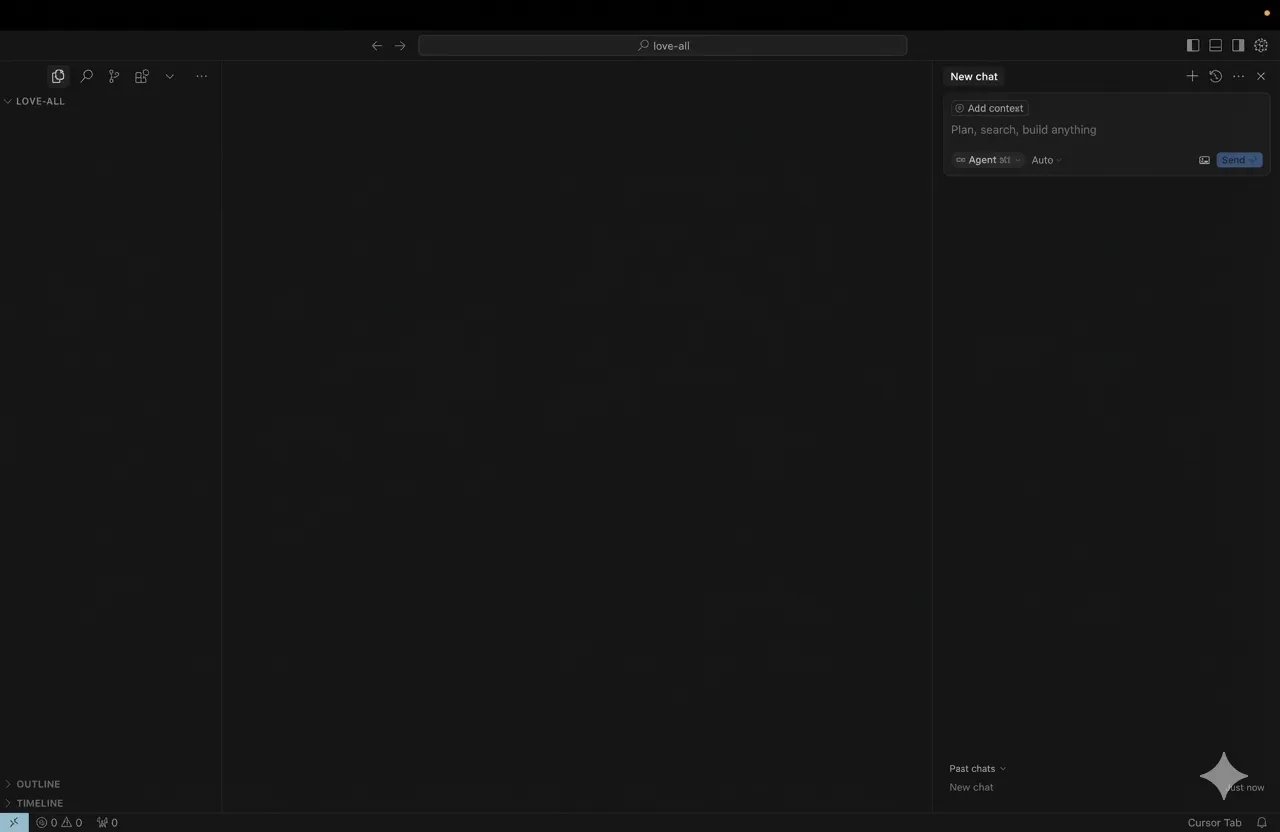
I just assumed something was going to help me set the project up, but it makes sense that there’s none. I doubt Cursor was made for all-out vibecoding because a very upfront USP is autocompleting the code being written, and I am writing no code.
Because I’m from a time that Googled stuff, I searched for how to set Cursor up for iOS and found something that worked on the very first try. 1
In short, there were 3 things to install before you actually head into Cursor:
- The XCode Build Server - allows Cursor to get some XCode (the tool to code iOS apps) editing features into it.
- xcbeautify - makes the output easier on the eye.
- swiftformat - reformats code to Swift code.
And 2 things to add as extentions after:
- Swift language support
- Sweetpad - apparently the thing that allows for all iOS coding to be done outside XCode.
This took some time to sort out. I don’t fully understand the nuances of the packages I installed and working on terminal is it’s own challenge, but my Cursor window seems to be less empty.
I think I can finally begin.
In this series
1 - I Can Finally Try This Out
Time to ride the vibecode train
NOV 01, 2025
2 - Work Before Work
Setting Cursor up for iOS coding
NOV 04, 2025
3 - Getting Started For Real
Going wrong, and then getting it right
NOV 12, 2025
4 - Vibe Coding's Hard? Try Vibe-debugging.
A beginner's guide to resolving bugs
NOV 20, 2025